How to Prepare for Your First Remote Recording Session (and Not Waste a Minute of It)
A simple checklist to prep your first remote recording session with Musiversal, avoid surprises, and get better takes from the start.
Introduction
You booked your first remote recording session. Now what?
Most people spend the 24 hours before their session in a mild panic, scrambling for a chord chart they swore they saved somewhere, bouncing a rough mix at the last minute, and hoping the musician will just "figure it out." That's a recipe for a frustrating 35 minutes and a take you won't use.
The good news: preparation is simpler than you think. You don't need formal music training, a polished demo, or a PhD in music theory. You just need to show up with the right materials and a clear sense of what you want.
The best part of a Musiversal session isn't the files you get at the end – it's the live collaboration itself. Hearing a take in real time, giving a note, and watching a musician respond to your direction on the spot. That back-and-forth is where the magic happens, and it's what separates a remote session from just sending files into the void.
A little preparation before you log on is what protects that time. The goal isn't to show up perfect – it's to show up ready, so the session stays focused on making music instead of solving problems.
Here's exactly what to do:
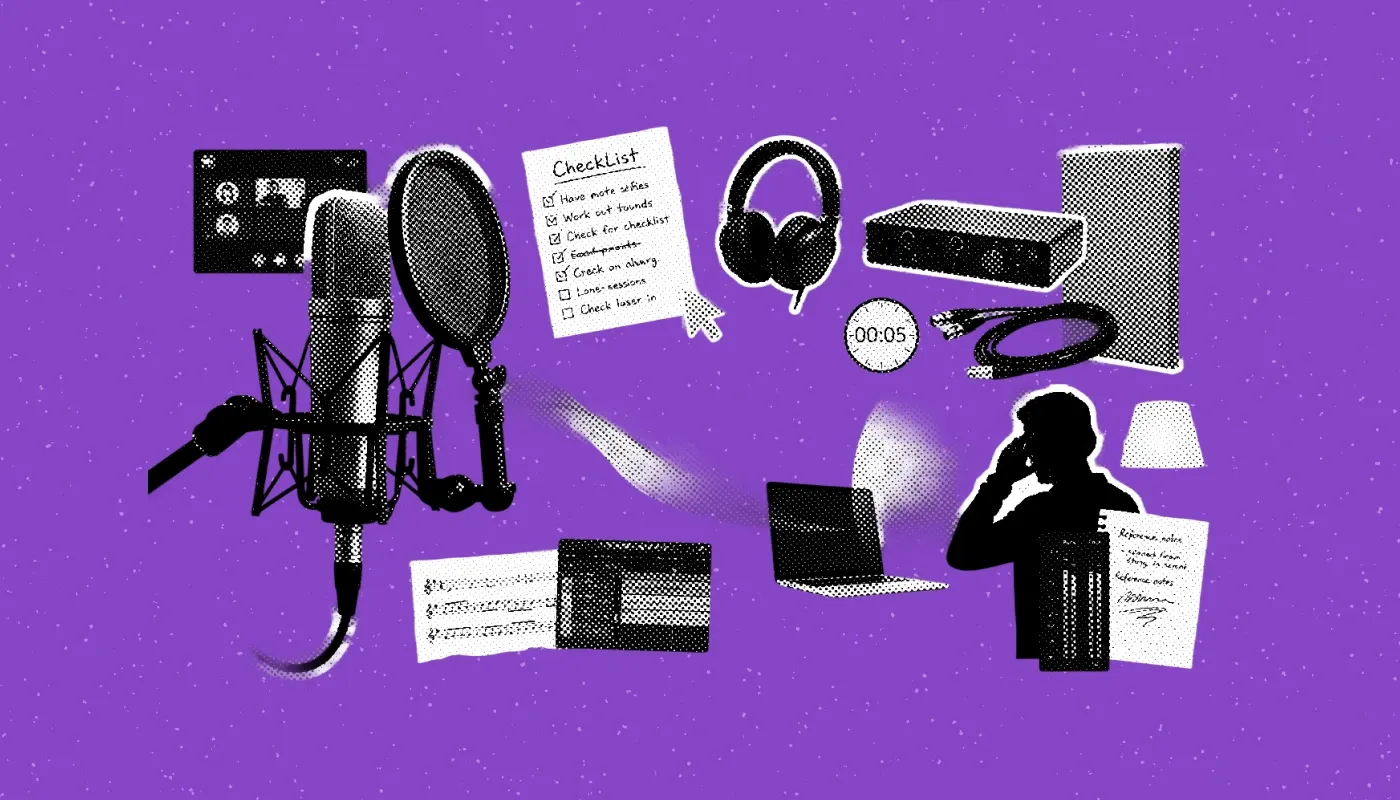
The Pre-Session Checklist
Send these materials to the musician before the session starts, ideally a few hours in advance. The more they can review ahead of time, the more of your 35 minutes goes toward actual recording.
1. A Rough Demo or Reference Bounce
This doesn't need to be clean. A voice memo, a DAW bounce with placeholder instruments, even a voice note humming the melody – anything that gives the musician a sense of the song's feel, tempo, and structure.
Why it matters: When a musician has time to sit with your song before the session, they don't just learn the structure – they start forming ideas. They think about feel, phrasing, and dynamics. By the time you log on, they're not figuring out the part, they're already interpreting it.
2. A Chord Chart or Lead Sheet
No music theory background? No problem. A simple chord progression written out (like "Verse: Am - F - C - G") is enough for most sessions. For melodic parts, a lead sheet works best. For improvisation or soloing, a chord chart is all you need.
If you can't produce a chart, describe the sections clearly: "Verse is 8 bars, chorus is 8 bars, there's a 4-bar bridge before the final chorus." Structure matters more than notation.
Not sure what format to use or how to put one together? Musiversal's session materials guide covers exactly what to prepare for each type of session, with examples. There's also a Session Materials Creation service if you'd rather have someone sort the chord chart, BPM, and audio guides for you.
3. A Reference Track
Pick one or two songs that capture the vibe you're going for. Not necessarily the same genre – sometimes a reference is more about energy or feel than style. Drop a link or attach the file.
This single step eliminates more miscommunication than anything else on this list.
4. Your BPM (Tempo)
If your track is built to a click, include the BPM. If it's not, mention that too so the musician can prepare accordingly. Include a tempo MIDI map if you have one.
5. Clear Section Labels in Your Demo
Label your sections: Intro, Verse 1, Pre-Chorus, Chorus, Bridge, Outro. This allows the musician to navigate your song without asking you to explain the structure mid-session.
Why Sending Files Early Actually Matters
Every musician on Musiversal has dedicated prep time built into their schedule before each session. That's not a courtesy – it's part of how the platform works. When you send your materials in advance, your musician uses that time to review your demo, set up their DAW to the correct tempo, divide the track into sections, and take notes on your direction.
By the time you log on, they're not hearing your song for the first time. They're ready to record it.
That prep is what protects your collaboration time. When the musician is already set up and oriented before you log on, the session doesn't start with troubleshooting – it starts with recording. No time lost hunting for tempo, no mid-session confusion about structure, no rushed takes at the end because the first ten minutes went to setup.
Send your files late, and you lose that buffer. The session still happens, but instead of spending 35 minutes making music together, you spend part of it fixing problems that could have been solved beforehand.
The rule of thumb: Get your materials uploaded at least a few hours before your session starts. The earlier, the better. We send out email reminders for missing session materials an hour before your session starts, in case you have forgotten.
Quick summary: Send a demo bounce, chord chart, reference track, BPM, and labeled sections. That's the full kit. Everything else is a bonus.
How to Direct Without Over-Directing
Most first-timers fall into one of two traps: saying nothing ("just do whatever feels right") or trying to direct every single note. Both get in the way of a great take.
What works is giving the musician a clear sense of where you want to go, then trusting them to get there. The best moments in a session are usually the ones you didn't plan for – something a musician brings that you never would have thought to ask for.
Describe the Feel, Not Just the Notes
You don't need to be fluent in music theory. Emotional language works just as well, and often better. Try:
- "The verse should feel intimate and held back, like the song is building tension."
- "I want the chorus to open up – more energy, like it's releasing everything the verse was holding."
- "The bridge should feel uncertain, almost hesitant."
A world-class session musician will translate that into a performance instantly. That's part of their skillset and job.
Know What You Want Before You Log On
Spend five minutes before the session writing down two or three things you're hoping to get out of it. Not a full brief – just enough clarity to answer "what does a successful session look like here?"
If the structure is still flexible, say so. If you know exactly what you want, say that too. If you're still figuring it out, that's completely fine – just say so. Musicians are great at working with ambiguity when you're upfront about it.
One thing worth keeping in mind: give your direction, then let the musician run with it. The first take often captures something spontaneous that no amount of direction could produce. Some of the best moments on a recording happen when you stop planning and just listen.
What to Know About the Session Itself
A few practical things that catch first-timers off guard:
- One instrument per session. Each 35-minute slot covers one instrument part for a track up to 3 minutes. If you're recording percussion, for example, you can often record more than one instrument in that session. Just let the musicians know beforehand which instruments you'd like recorded so they can prepare accordingly. Of course, how many you can fit depends on the length and complexity of the song.
You'll get up to 2-3 full takes. Here's how an approach to this could look: Use the first take to hear how the musician interprets your direction. Use the second to refine, and third to do one of the previous two again for safety, or a "musicians creative choice" where they experiment a bit more and try something totally different. This is of course up to you how you want to structure your own session. If you want more time, book back-to-back sessions for 60 minutes.
- Attend live when you can. The real-time collaboration is where the magic happens. You hear a take, give a note, and get an adjusted performance in minutes. That back-and-forth is what separates a good recording from a great one.
- If you can't attend, upload your materials and written notes in advance. The musician will record your music and upload it to the platform, just as if you were attending a session.
You're More Ready Than You Think
First sessions feel intimidating because you're not sure what "ready" looks like. But a rough demo, a chord chart, a reference track, and a clear sense of the vibe you're after is genuinely enough to have a great session.
The session musicians on Musiversal are experienced collaborators. They're used to working with creators at every level, from producers with fully arranged stems to songwriters who hum ideas into a phone. What matters most is that you show up prepared to communicate, not that you show up with a perfect track.
Start small. Book one session for one instrument. See how it feels. Most people walk away from their first session wondering why they waited so long.
If you want more detailed guidence on what to prepare before your first session, book the pre-production service and they'll help you based on your track and vision.
Frequently Asked Questions
Do I need to attend the session live?
You don't have to, but it's strongly recommended. Attending live means you can hear takes in real time, give direction on the spot, and walk away with exactly what you had in mind. If you can't make it, upload your materials and written notes in advance and the musician will record your music and upload the files to the platform, just as if you were there.
When will I receive my files after the session?
Your files are typically available within just a few minutes of the session ending. You'll find them in your Sessions area and get an email notification when they're ready.
What if I don't have my materials ready in time?
Submit your files at least 1 hour before a recording session starts. If you're missing materials or need help putting them together, Musiversal offers a Session Materials Creation service that covers chord charts, BPM, tempo maps, and audio guides. You can also check the session materials guide for a full breakdown of what to prepare.
Can I book a longer session if I need more time?
Yes. Longer sessions are made up of back-to-back slots, giving you 60, 90, or 120 minutes to work with. These are ideal if your track is longer than 3 minutes, you want more takes, or you need extra time to experiment and refine. You can book longer sessions directly from the platform when selecting your slot.
What if I need to reschedule or cancel?
You can reschedule or cancel a session from your Sessions area. For sessions booked with top-ups, cancellations made at least 48 hours in advance are automatically refunded. If something comes up last minute, reach out to the Musiversal support team and they'll help you sort it out.
Join The Musiverse: Your free space to connect, create, and compete.
Collaborate with global creators, level up in live workshops, and win exclusive prizes. Join the community today!
Join The Musiverse
Collaborate with global creators, level up in live workshops, and win exclusive prizes. Join the community today!
Your Music, No Limits.
Join the Waitlist